

Your MacBook can handle a lot of work, but your screen has its limits. When you switch between a spreadsheet, browser tabs, emails, and notes, all that window switching can quickly become frustrating. If you want to make more space, get a second screen. A portable monitor for MacBook lets you take that extra space with you when you work.
But the right choice is difficult. MacBooks come with different sizes, resolutions, ports, and price points out there. We have rounded up seven portable monitors for 2026 that will help you find one that suits your work and budget.
Quick Look at the 7 Best Portable Monitors
| Monitor | Size | Resolution | Best For |
| UPERFECT BE156NF | 15.6″ | 4K OLED | 4K portable monitor |
| UPERFECT Delta Max Touch BE185CF | 18.5″ dual | 1080p | Multitasking |
| ASUS ZenScreen MB16AHV | 15.6″ | 1080p | Daily work |
| ViewSonic VG1656N | 16″ | 1920 × 1200 | Business use |
| Lenovo ThinkVision M14t Gen 2 | 14″ | 2240 × 1400 | Touch work |
| LG gram +view 16 | 16″ | 2560 × 1600 | Creative work |
| HP E14 G4 | 14″ | 1920 × 1080 | Frequent Travel |
- UPERFECT BE156NF: Best for 4K OLED
If you want sharp images and richer colors, the UPERFECT BE156NF is a strong choice. It has a 15.6-inch OLED display with a 3456 × 2160 resolution, giving you plenty of detail for work and creative tasks.
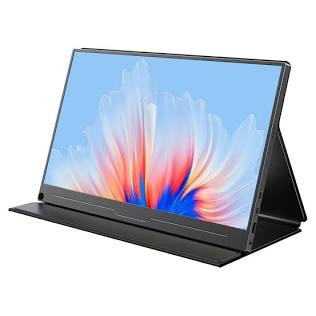
The OLED panel can make colours look more vivid, while the 110.90% DCI-P3 color coverage is useful for photo editing, graphic design, and other visual work. It is also designed to work with MacBooks, including models with Apple M1 chips.
The screen is portable enough to carry with your laptop, so you can add a high-quality display without setting up a full-size monitor.
Best for: Photo editing, graphic design, detailed visuals, and users who want a premium portable display.
- UPERFECT Delta Max Touch BE185CF: Best for Multitasking
One extra screen can make your work easier, but two extra screens give you much more room to work.
The UPERFECT Delta Max Touch BE185CF uses two 18.5-inch displays stacked on top of each other. Both screens offer 1920 × 1080 resolution and a 100Hz refresh rate, giving you more space for documents, browser tabs, charts, and other apps. This makes it a practical business monitor for people who need to manage several tasks at once.
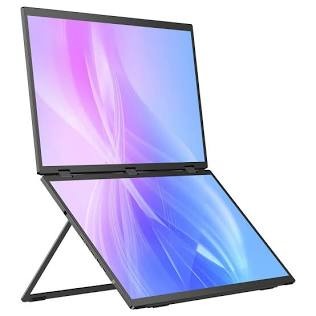
The touch version also supports touch input, while the 360-degree folding design makes it easier to adjust the screens to your preferred position. It is larger and heavier than a standard portable monitor, but the extra screen space can be useful when you need to keep several windows open at once.
Best for: Coding, research, trading, project work, and heavy multitasking.
- ASUS ZenScreen MB16AHV: Best for Everyday Work
The ASUS ZenScreen MB16AHV is a good choice for everyday tasks. Its 15.6-inch IPS display has a 1920 × 1080 resolution and 60Hz refresh rate. It has two USB-C ports and a mini HDMI port, so you have more than one way to connect it.
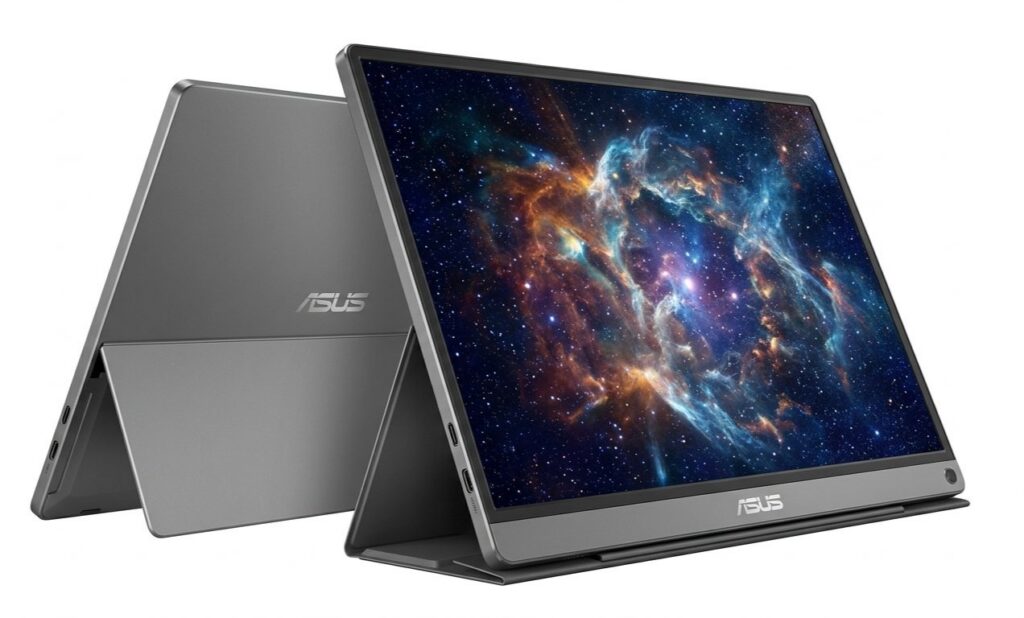
For email, documents, web browsing, presentations, and study, Full HD is usually enough. The monitor weighs only around 0.9 kg.
Best for: Office work, students, remote workers, and regular travel.
- ViewSonic VG1656N: Best for Business Users
If you want a business monitor that you can move between locations, the ViewSonic VG1656N is worth considering.
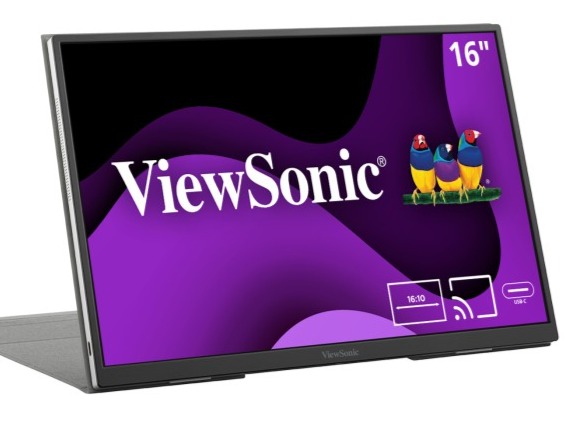
It has a 16-inch IPS screen with a 1920 × 1200 resolution and 16:10 aspect ratio. That extra vertical space can be handy when working with documents and web pages. It also includes a built-in battery and USB-C ports.
Best for: Business travel, meetings, remote work, and presentations.
- Lenovo ThinkVision M14t Gen 2: Best Touch Option
The Lenovo ThinkVision M14t Gen 2 does things a little differently. It has a 14-inch display with a 2240 × 1400 resolution and 10-point touch support. Its smaller size and roughly 700g weight make it a good option if you value portability.
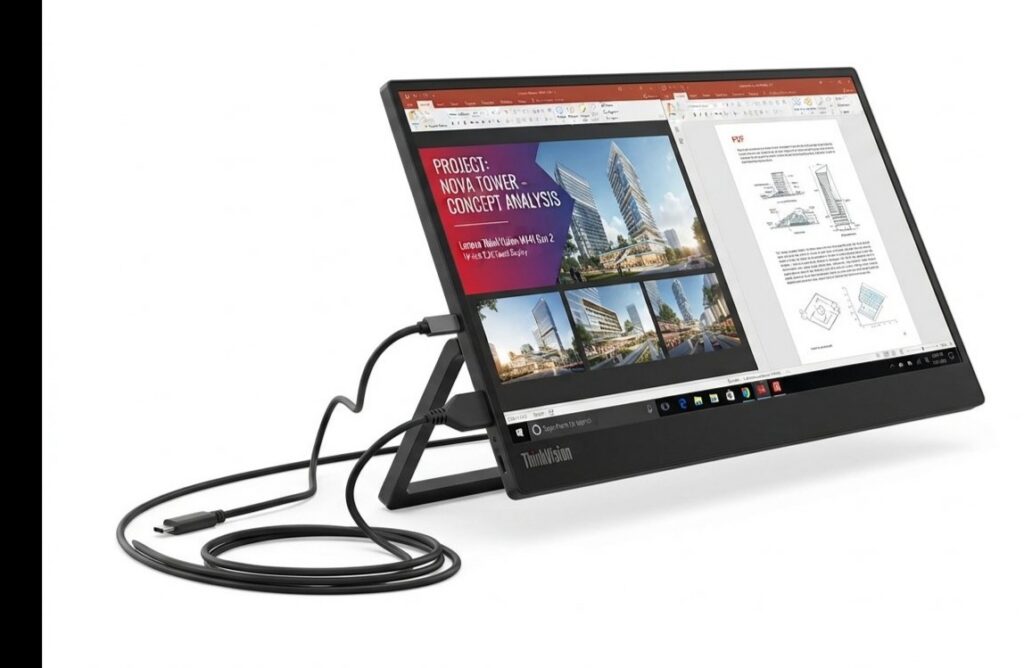
Screen size is the price to pay. A 15.6-inch or 16-inch model will give you more space if you want a big desk.
Best for: Touch input, note-taking, creative tasks, and frequent travel.
- LG gram +view 16: Best for Creative Work
The LG Gram+View 16 gives you a larger 16-inch workspace while keeping a slim design. Its 2560 × 1600 resolution and 16:10 aspect ratio provide more vertical space than a standard Full HD display. That can be useful for editing timelines, large spreadsheets, design projects, and long documents.
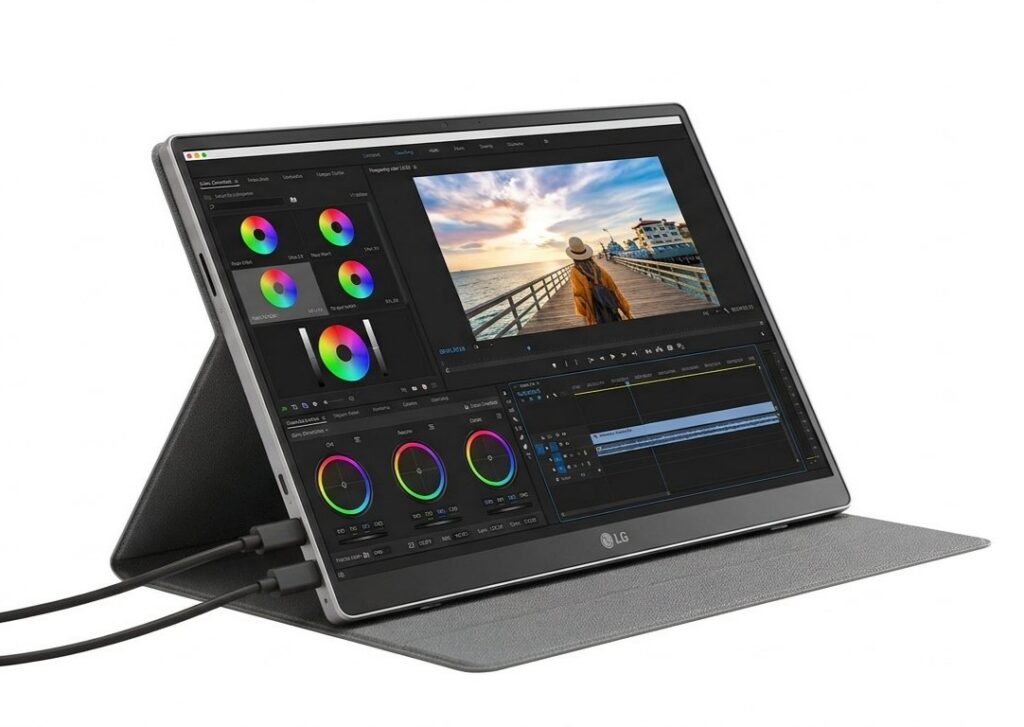
Best for: Designers, photographers, video editors, and other creative users.
- HP E14 G4: Best for Frequent Travel
If portability is your main concern, the HP E14 G4 is a practical option. Its 14-inch Full HD display gives you extra screen space.
The monitor weighs around 640g and has a 400-nit screen, which can make it easier to use in brighter environments. It connects through USB-C and is designed to work as a second screen for laptops.
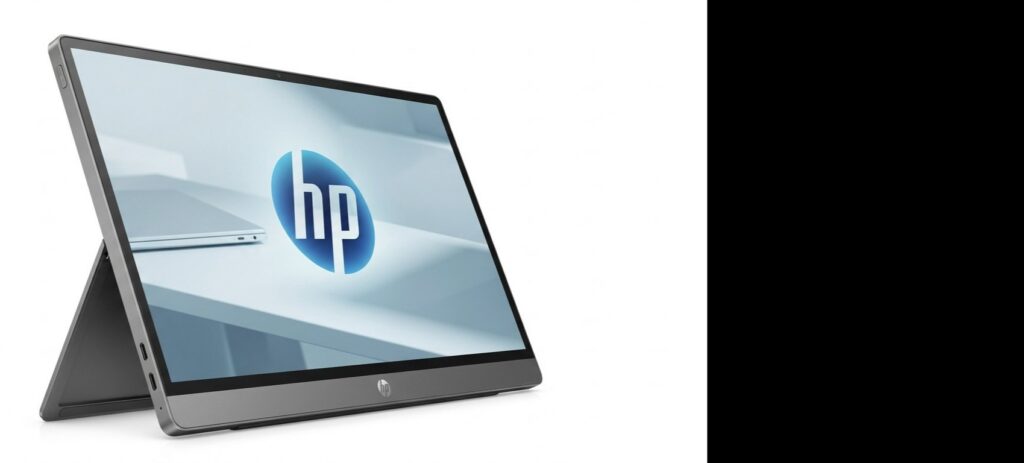
Its smaller size means you get less screen space than a 15.6-inch or 16-inch model. But if you travel often and want something light to carry with your MacBook, that option may be worth it.
Best for: Frequent travellers, remote workers, business users, and users who prioritise portability.
What to Check Before Buying
Before choosing a portable monitor, check how it will work with your MacBook.
- Start with USB-C. Many newer MacBooks can send video through USB-C, which can make setup much cleaner.
- Then look at resolution. Full HD is fine for everyday work, while 2K and 4K make more sense for detailed images, design, and small text.
- Do not forget weight. A monitor that looks excellent on paper is not very useful if you don’t like carrying.
Lastly, make sure your MacBook supports the external display. Different MacBook models can support different numbers of external screens, so it’s worth checking your exact model before buying.
Which One Should You Pick?
The best portable monitor depends on what you need. Choose the UPERFECT BE156NF for 4K OLED detail, the Delta Max Touch BE185CF for multitasking, ASUS for everyday work, ViewSonic for business use, Lenovo for touch, LG for creative work, and HP for frequent travel.
Pick the one that gives you the extra screen space you need while still being practical to carry with your MacBook.